
Redis
Run Redis on dFlow for cache and fast data: REDIS reference variables, connection URL, and optional Expose.
Redis is an in-memory data store. It is extremely fast for caching, session storage, rate limiting, pub/sub, and short-lived structures. In dFlow it is created as a Database service like Postgres or MySQL, with its own Overview and connection string.
It is not a substitute for a primary transactional database when you need durable relational data—pair Redis with Postgres, MySQL, or MongoDB when you need both.
Concepts: Databases overview.
When to choose Redis
Choose Redis when low latency and in-memory semantics fit the workload (cache, ephemeral state, coordination). Choose Postgres or another SQL/document database for the system of record unless your architecture intentionally uses Redis as primary storage (uncommon for general apps).
Create and deploy
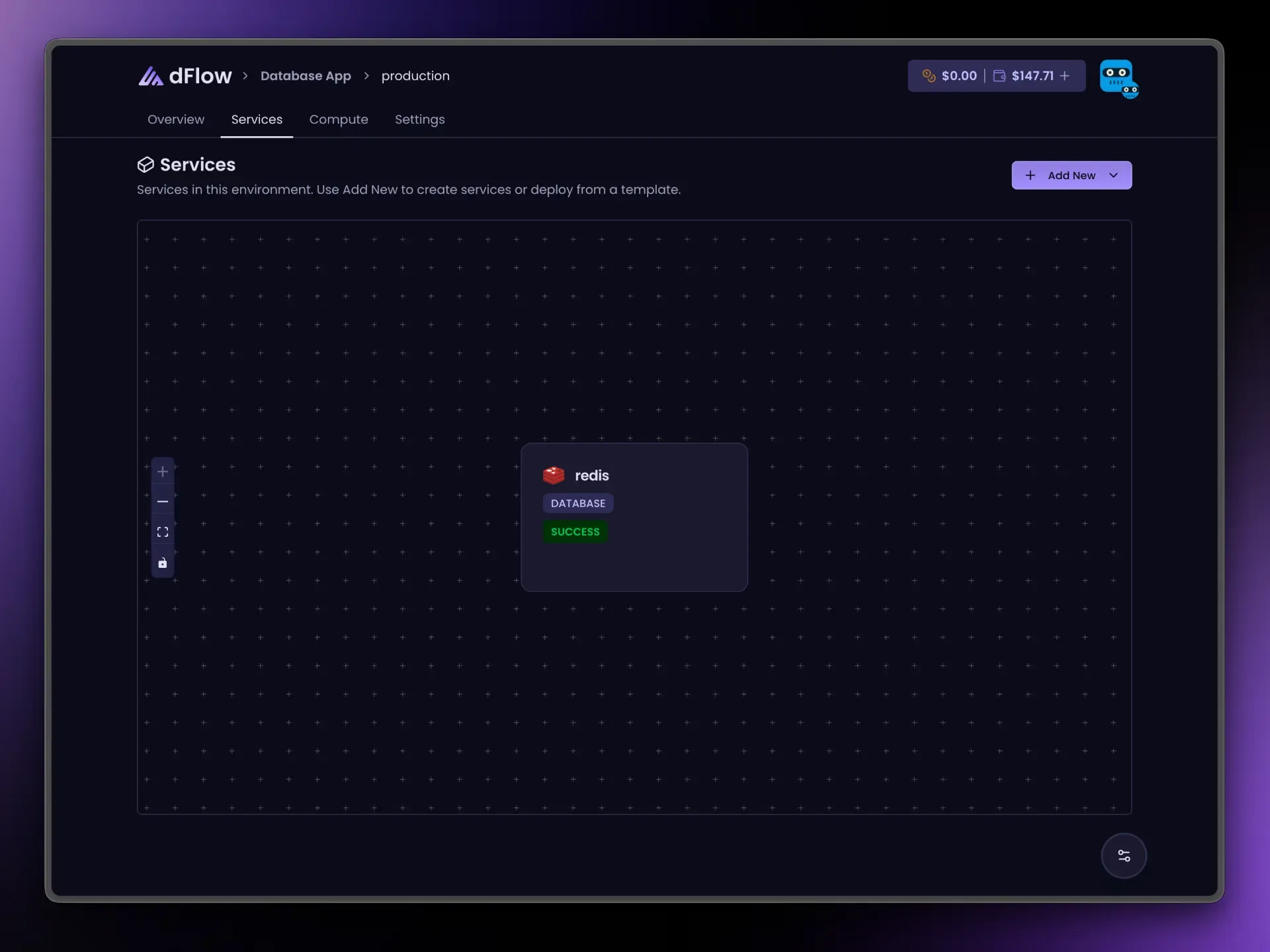
- Applications → Environment → Add New → Add service → Database → Redis.
- Create Service → Deploy.
- Wait for success.
Connection details on Overview
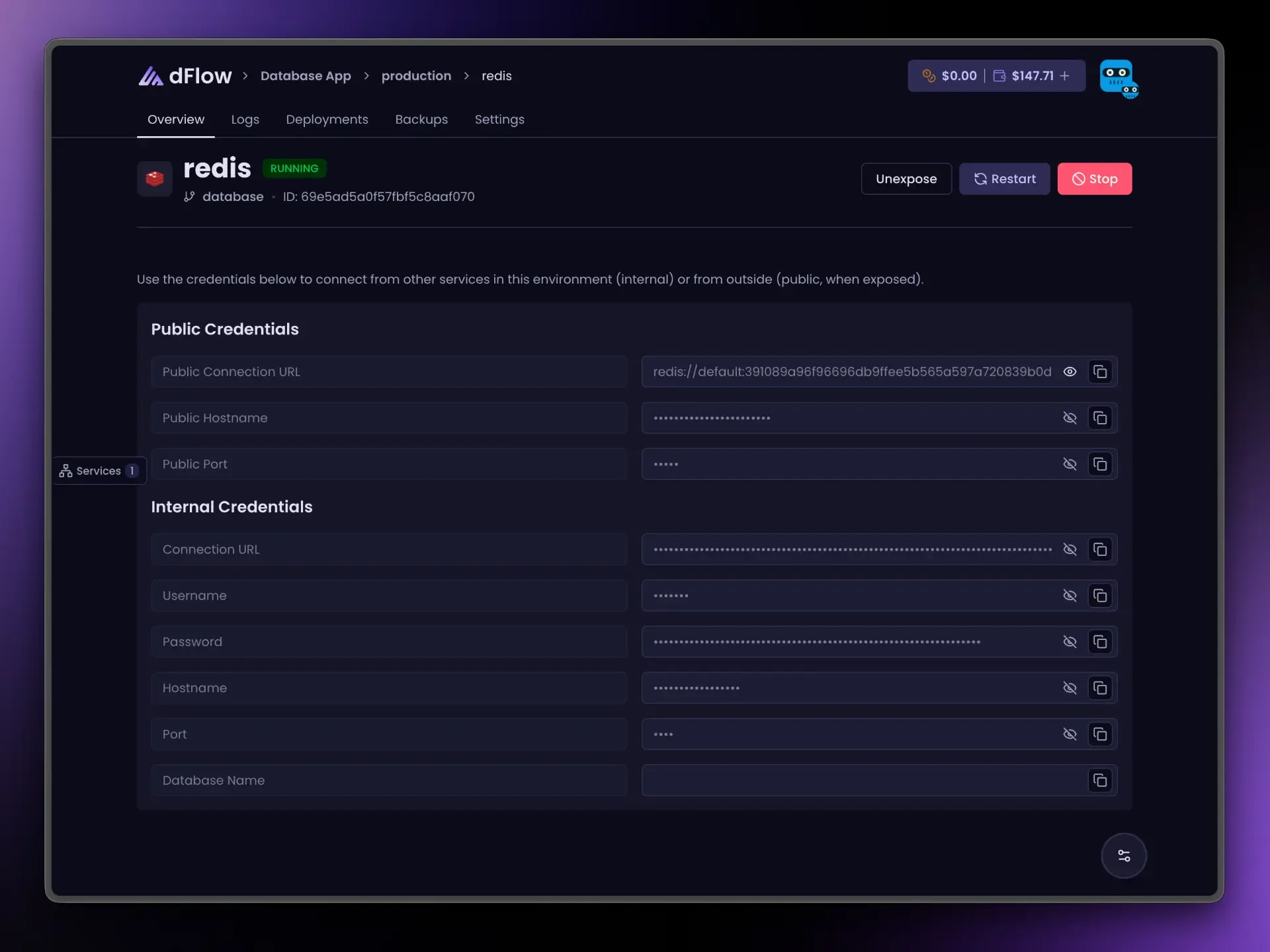
After deploy you typically see:
- A
redis://…URL (often including authentication). - Username — the UI may show
defaultas a label; that is a common Redis convention, not necessarily a custom account you created. - Password, host, and port.
There may be no separate database name row like SQL engines; many clients only need the URL or HOST + PORT + PASSWORD.
Public credentials appear after Expose. Unexpose before Stop if exposed.
Link your app: reference variables
Variables → { } menu:
{{ my-redis.REDIS_URI }}| Suffix | Resolves to |
|---|---|
_URI | Internal URL |
_NAME | When applicable for your layout |
_USERNAME | User |
_PASSWORD | Password |
_HOST | Internal host |
_PORT | Internal port |
_PUBLIC_HOST | After Expose |
_PUBLIC_PORT | After Expose |
_PUBLIC_URI | After Expose |
Internet access (Expose)
Redis uses one public port when exposed, similar to Postgres and MySQL. Prefer internal URLs for services that run inside dFlow.
Day-to-day actions
Restart, Stop, and Expose / Unexpose follow the same rules as other database services. See Databases overview.