
ClickHouse
Run ClickHouse on dFlow for analytics: CLICKHOUSE reference variables, connection fields, and multi-port Expose.
ClickHouse is optimised for analytical workloads: large tables, aggregations, and reporting-style queries (OLAP). For normal transactional application data (users, permissions, checkout), Postgres or MySQL is usually simpler to operate.
General database workflow: Databases overview.
When to choose ClickHouse
Choose ClickHouse when you need fast scans and aggregates over large datasets—event pipelines, dashboards, log-style analytics. Avoid it as your only database for classic CRUD unless you have a deliberate architecture.
Create and deploy
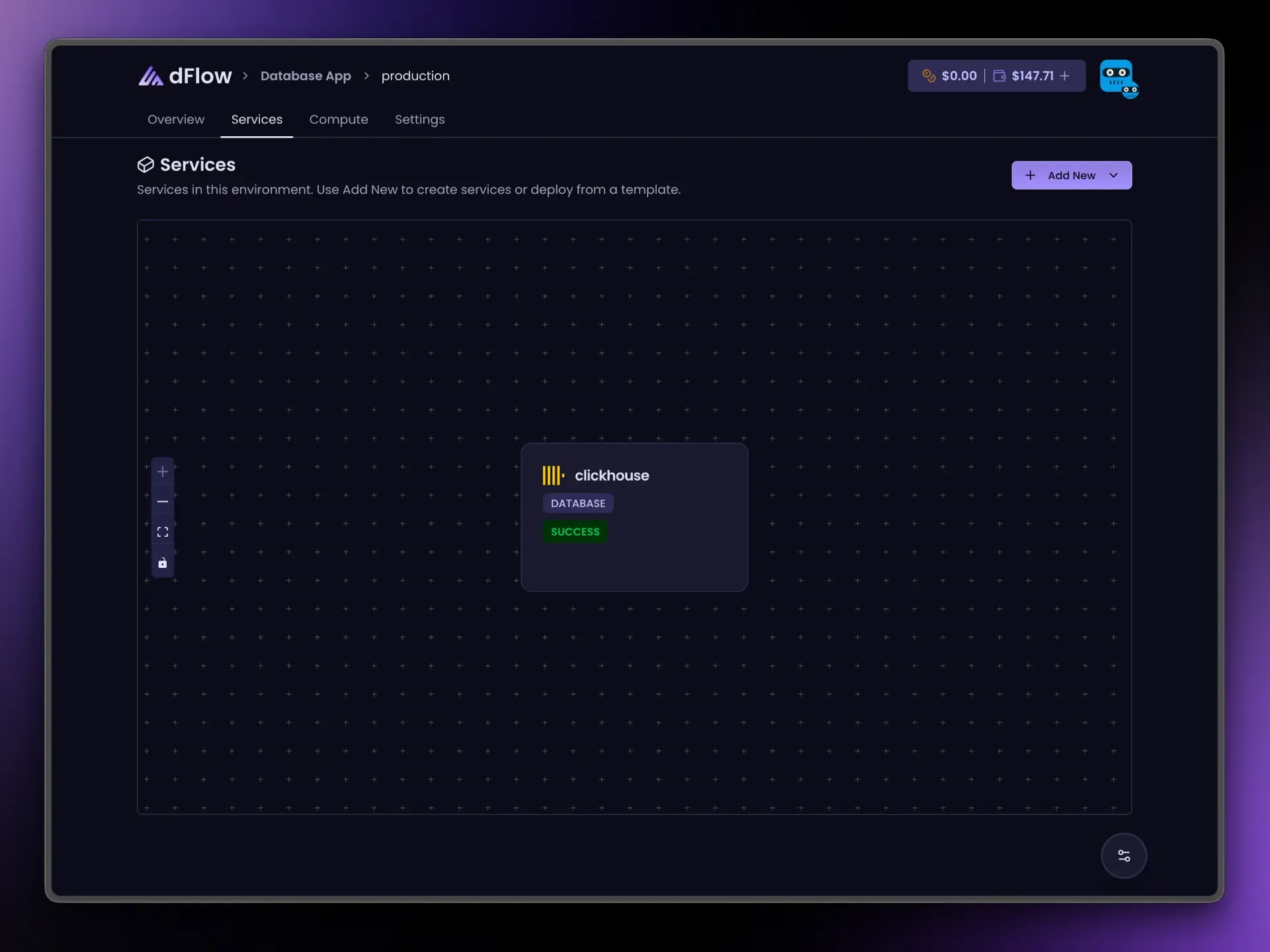
- Applications → Environment → Add New → Add service → Database → ClickHouse.
- Create Service → Deploy.
- Wait for success.
The connection URL may use a clickhouse:// style when the platform provides it; username and password appear when they are part of that connection string.
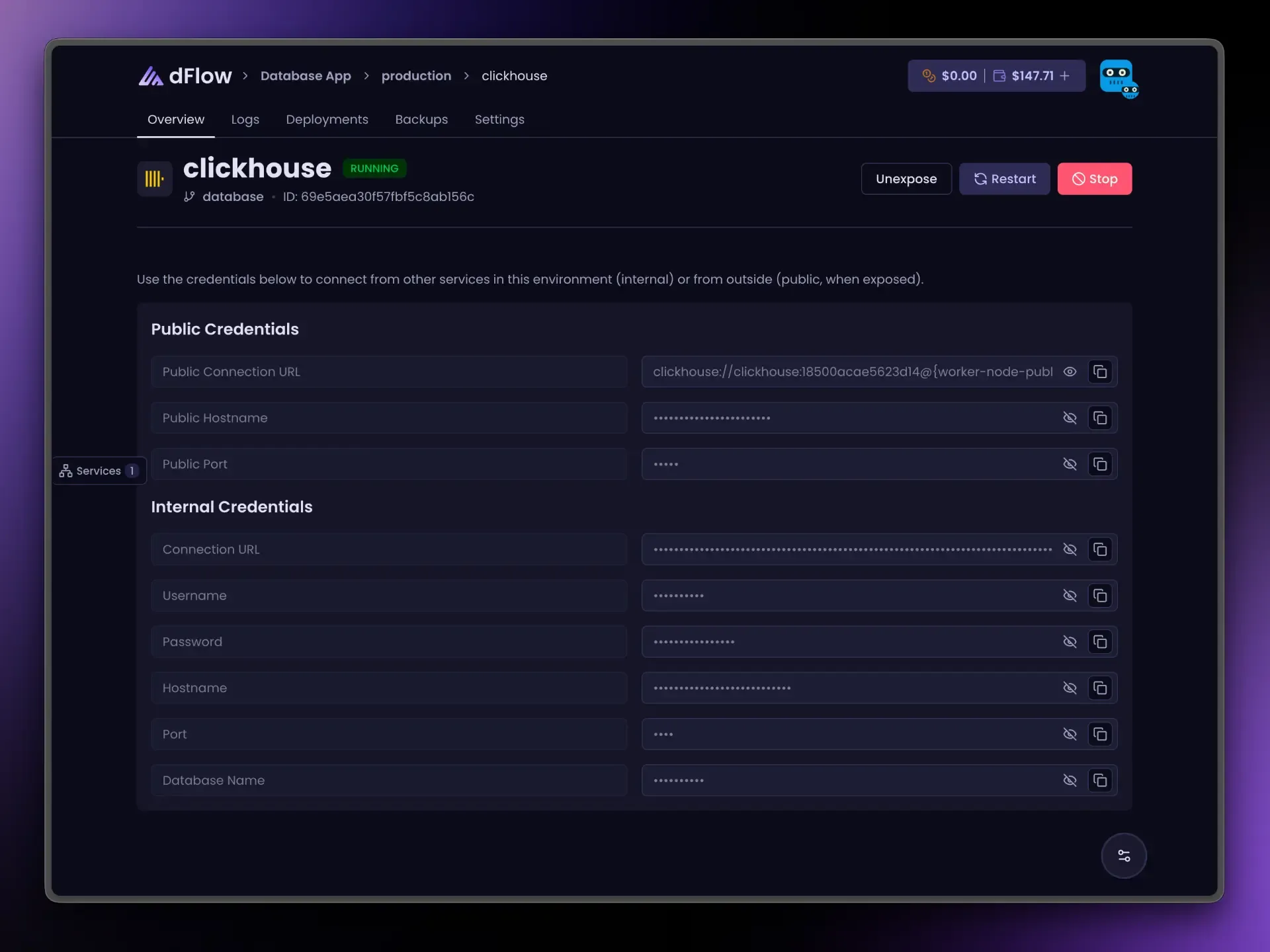
Connection details on Overview
After deploy, Internal credentials can include:
- Connection URL
- Username and password (when present)
- Hostname and port
- Database name when encoded in the URL
Use these for apps, workers, or ETL in the same environment. Public fields appear after Expose.
Link your app: reference variables
Variables → { } menu:
{{ my-analytics.CLICKHOUSE_URI }}| Suffix | Resolves to |
|---|---|
_URI | Internal URL |
_NAME | Parsed database name when available |
_USERNAME | User |
_PASSWORD | Password |
_HOST | Internal host |
_PORT | Internal port |
_PUBLIC_HOST | After Expose |
_PUBLIC_PORT | After Expose |
_PUBLIC_URI | After Expose |
Internet access (Expose)
Like MongoDB, ClickHouse may require more than one public port when exposed. You still use one Expose action; Overview explains how to connect via dFlow’s database gateway or your server’s public address.
For heavy query traffic, internal connections from co-located services usually perform better than routing through the public path.
Unexpose before Stop if exposed.
Day-to-day actions
Restart, Stop, Expose, and Unexpose behave like other databases; Deploy only appears until the first successful provision. See Databases overview.