
MongoDB
Run MongoDB on dFlow: document database, MONGO reference variables, and multi-port behavior when you Expose.
MongoDB stores documents (JSON-like) in collections. It fits evolving schemas, nested objects, and workloads where a rigid SQL schema is awkward.
Overview of the database model in dFlow: Databases overview.
When to choose MongoDB
Choose MongoDB when a document model matches your product, or your stack already uses official MongoDB drivers and patterns. For relational reporting and strict multi-table constraints, Postgres is often simpler.
Create and deploy
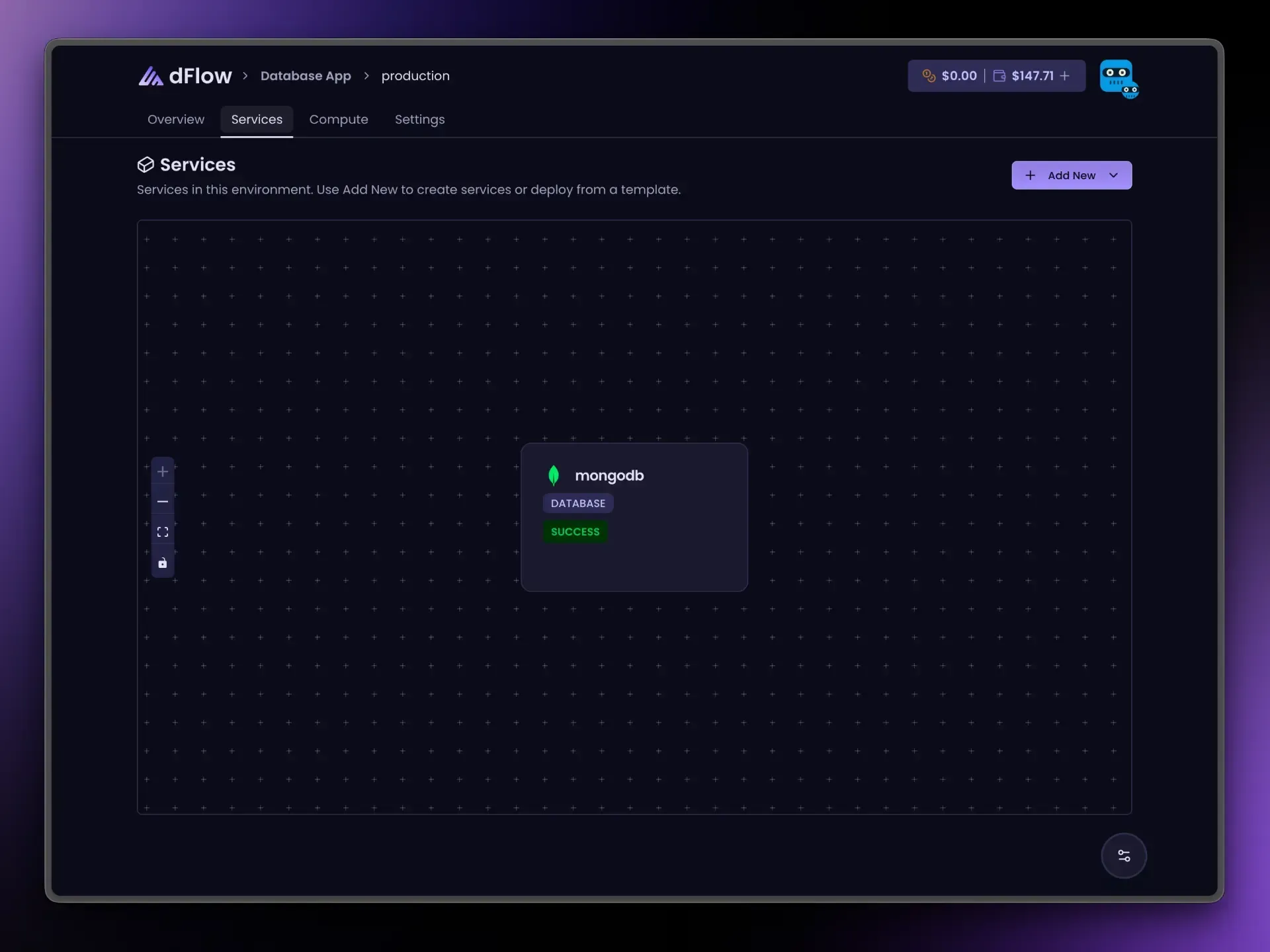
- Applications → Environment → Add New → Add service → Database → MongoDB.
- Create Service → Deploy.
- Wait until provisioning succeeds.
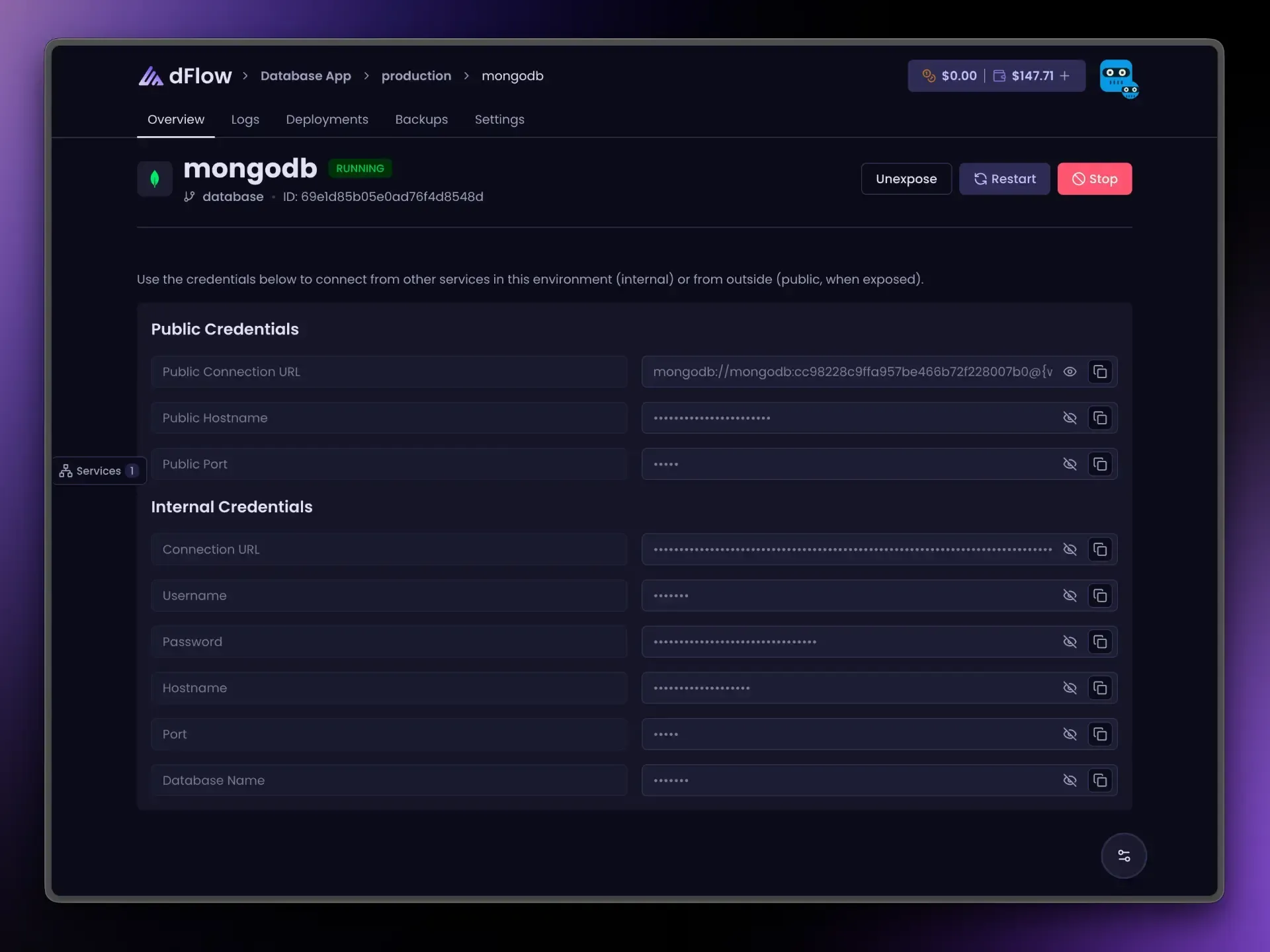
Connection details on Overview
Internal credentials include:
- A
mongodb://…connection URL. - Username, password, host, port, and database name for clients that need discrete fields.
Use the internal URL for applications in the same environment.
Link your app: reference variables
Variables → { } menu. Example:
{{ my-mongo.MONGO_URI }}| Suffix | Resolves to |
|---|---|
_URI | Internal connection URL |
_NAME | Database from the URL path |
_USERNAME | User |
_PASSWORD | Password |
_HOST | Internal host |
_PORT | Internal port |
_PUBLIC_HOST | After Expose |
_PUBLIC_PORT | After Expose |
_PUBLIC_URI | After Expose |
Internet access (Expose)
MongoDB differs from Postgres or MySQL: Expose may provision more than one public port for the protocols MongoDB uses. You still click Expose once; Overview shows the primary public URL/host/port information most clients need.
Keep using internal URLs for apps running on dFlow. Use Expose when an external client must connect (backup tools, local shells, partners).
Unexpose before Stop if the database was exposed.
Day-to-day actions
Restart, Stop, and Expose / Unexpose follow the same dashboard rules as other databases, including Unexpose before Stop when public, and Deploy hidden after the first successful provision. See Databases overview.