
MySQL
Run MySQL on dFlow: deploy, use internal credentials or MYSQL reference variables, and optionally Expose for external clients.
MySQL is a widely used relational database. Teams pick it for familiar tooling, broad hosting support, and compatibility with many frameworks and ORMs.
If you are new to databases in dFlow, read Databases overview first.
When to choose MySQL
Choose MySQL when your application or organisation standardises on MySQL specifically. For a MySQL-compatible engine with its own release cycle, compare MariaDB.
Create and deploy
- Applications → your app → Environment.
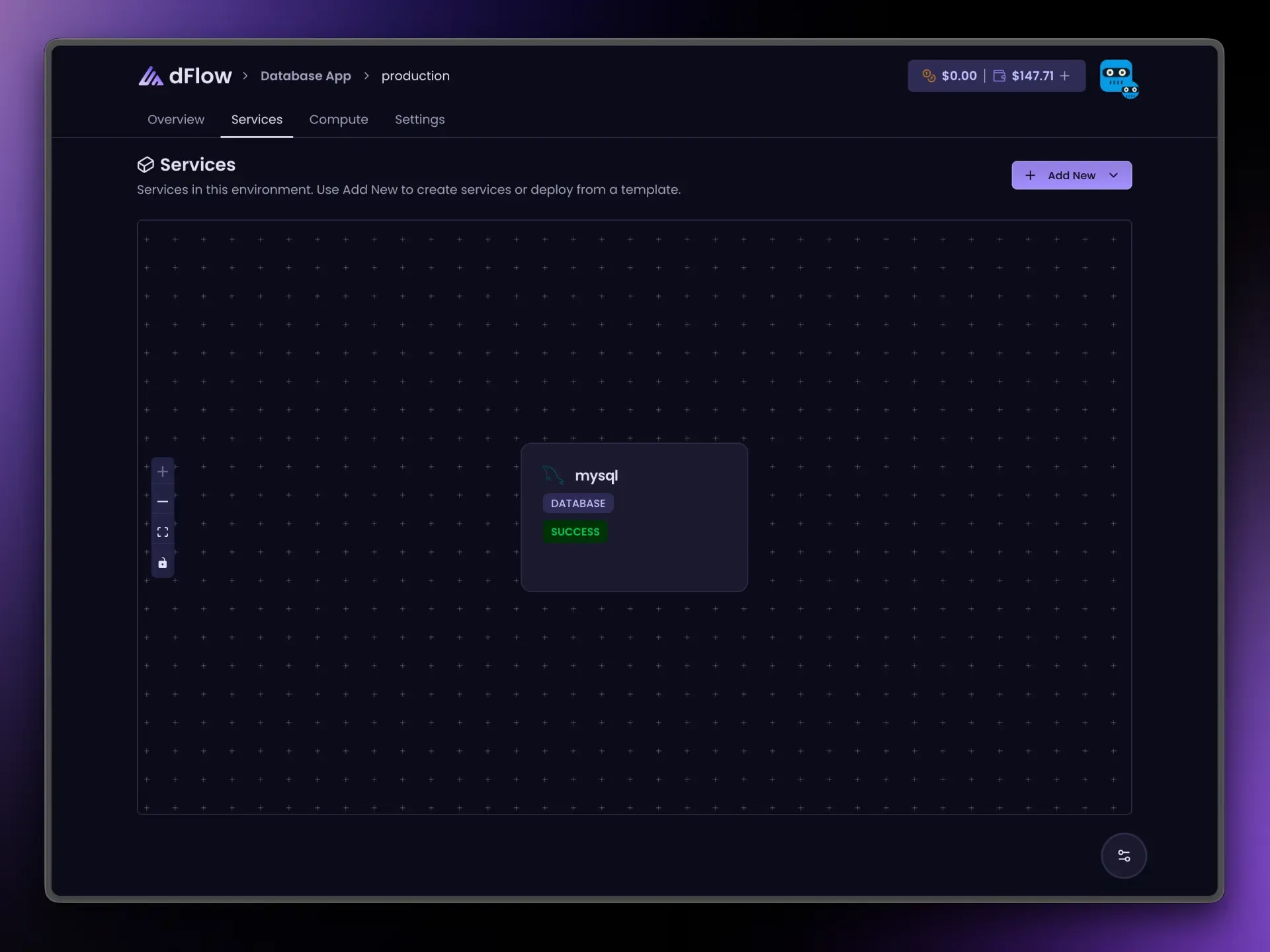
- Add New → Add service → Database → MySQL.
- Name the service → Create Service → open it → Deploy on Overview.
- Wait until Deploy completes successfully.
Connection details on Overview
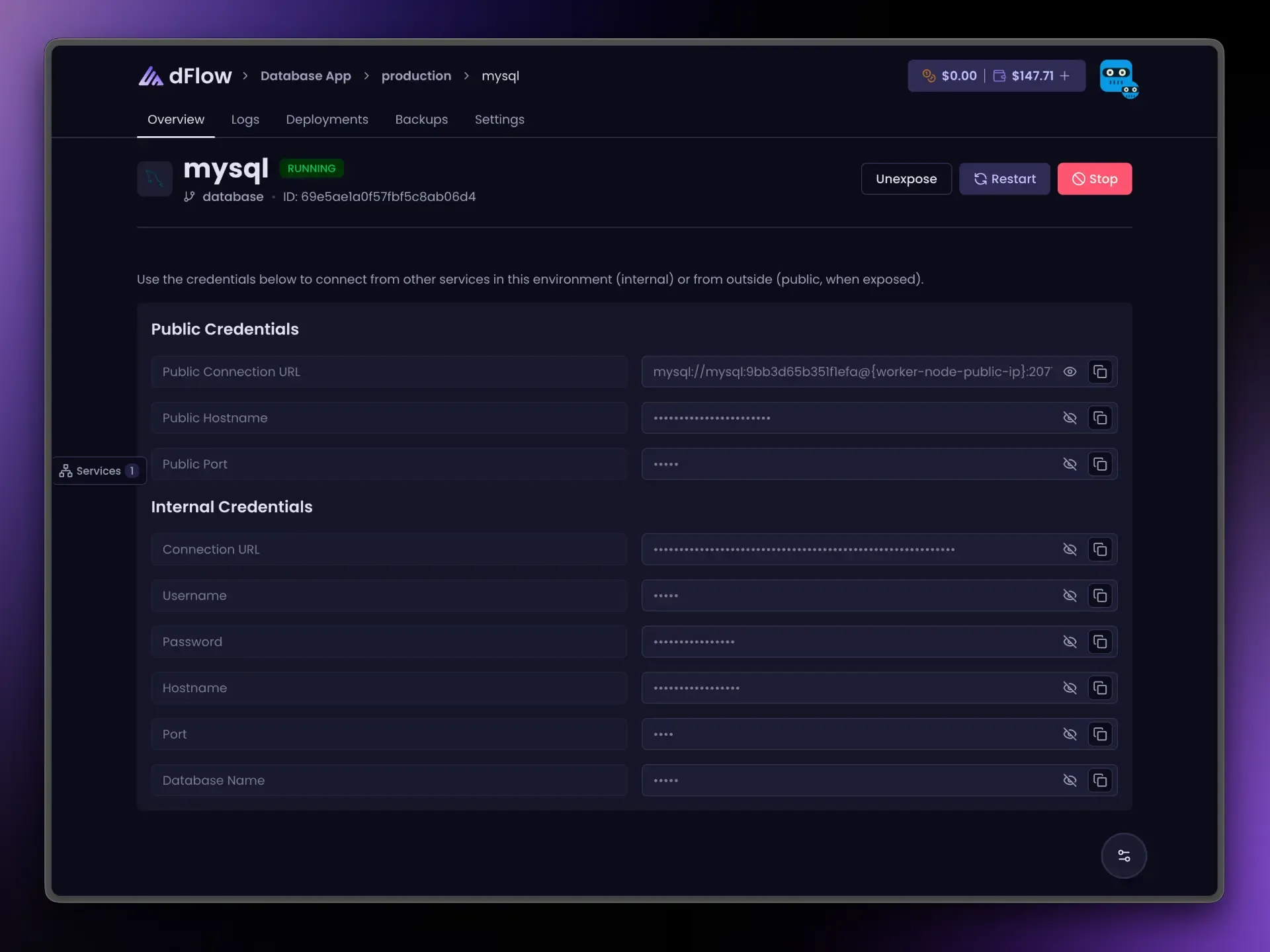
After deploy, Internal credentials show:
- A connection URL (usually
mysql://…with user, password, host, port, and database). - The same information as separate fields when your client needs them.
Use internal values for workloads in the same environment. Public credentials appear only after Expose; use Unexpose before Stop if you had exposed the instance.
Link your app: reference variables
On an app or Docker service, open Variables and use the { } menu. Replace my-mysql with your service name:
{{ my-mysql.MYSQL_URI }}| Suffix | Resolves to |
|---|---|
_URI | Internal connection URL |
_NAME | Database name |
_USERNAME | User |
_PASSWORD | Password |
_HOST | Internal host |
_PORT | Internal port |
_PUBLIC_HOST | After Expose |
_PUBLIC_PORT | After Expose |
_PUBLIC_URI | After Expose |
Internet access (Expose)
Expose allocates one public port through dFlow’s routing so external clients can connect. Keep internal URLs for app-to-database traffic inside dFlow.
Unexpose before Stop when the database was public.
Day-to-day actions
Restart, Stop, and Expose / Unexpose match other database services: jobs queue on the server, Stop requires Unexpose first when exposed, and Deploy disappears after the first successful deployment. See Databases overview.