
MariaDB
Run MariaDB on dFlow: MySQL-compatible SQL, MARIADB reference variables, internal credentials, and optional Expose.
MariaDB is a MySQL-compatible relational database. Many applications that run on MySQL can run on MariaDB with little or no change, while benefiting from MariaDB’s own releases and optimisations.
Background: Databases overview.
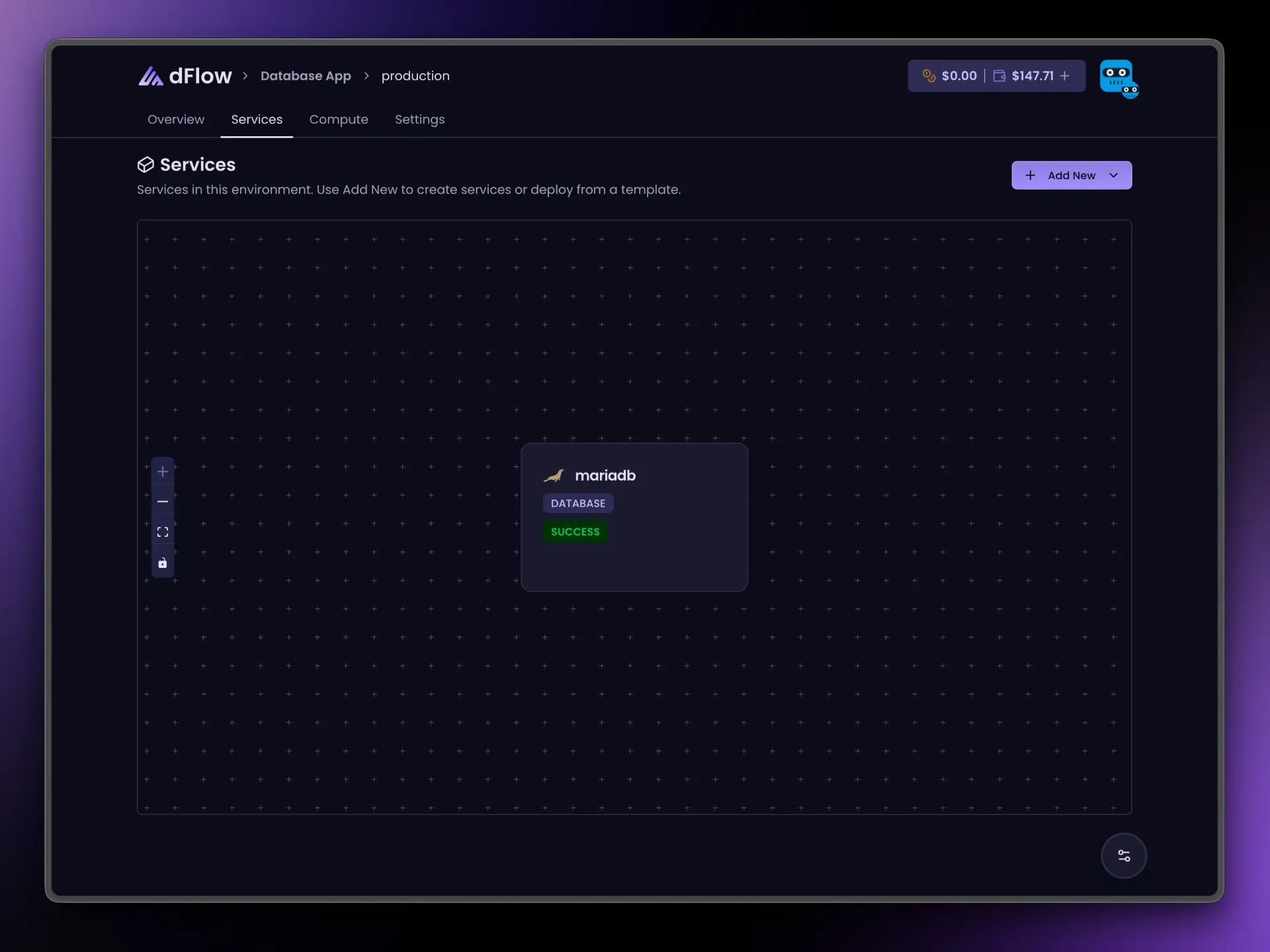
When to choose MariaDB
Choose MariaDB when you want MySQL-style SQL and tooling, or your team standardises on MariaDB. If you require the MySQL brand/engine specifically, use the MySQL guide.
Create and deploy
- Applications → Environment → Add New → Add service → Database → MariaDB.
- Create Service → open the service → Deploy.
- Wait for success.
Connection details on Overview
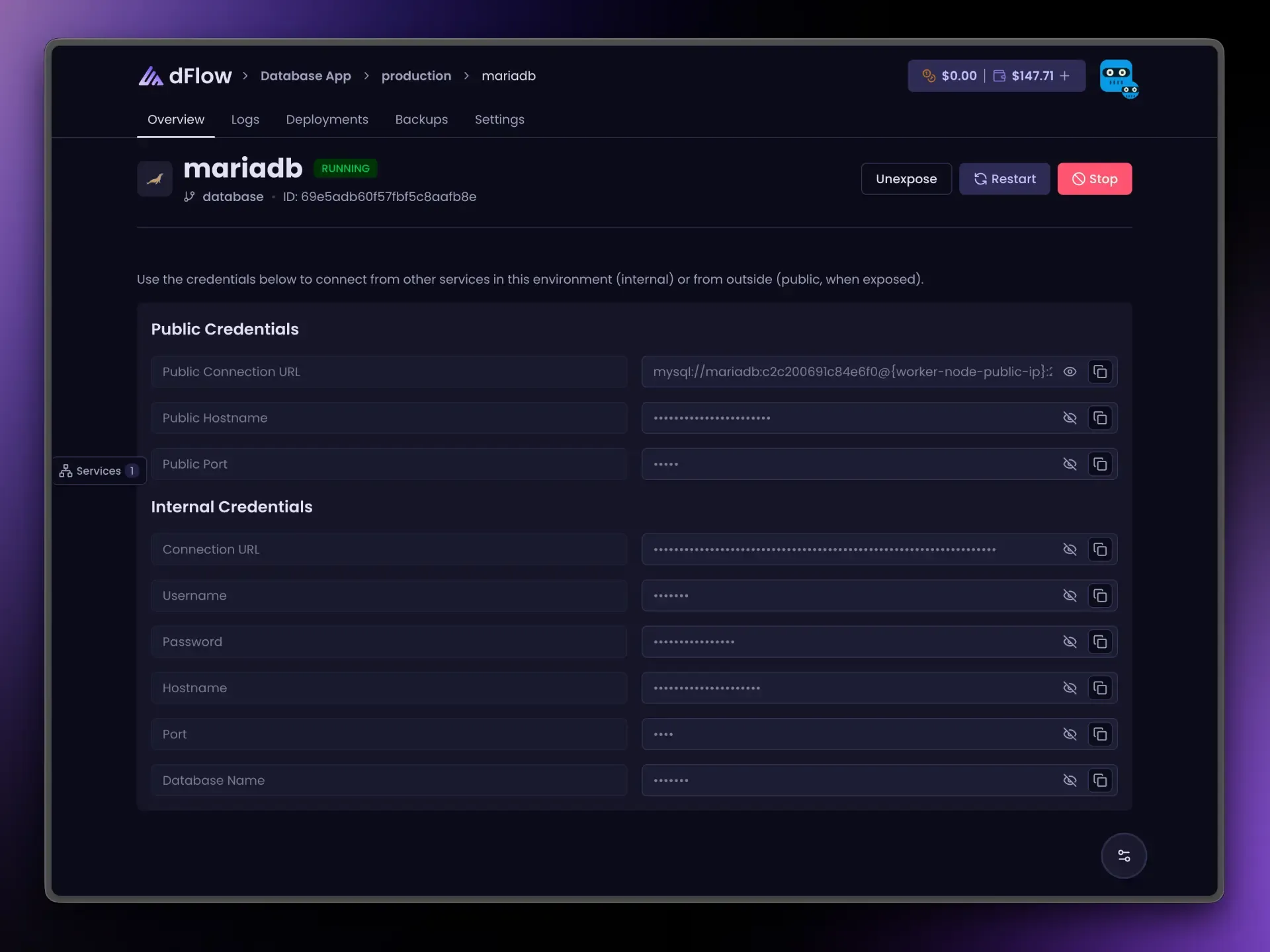
After deploy, Internal credentials include a connection URL and separate username, password, host, port, and database name.
The URL may look like mysql://… even though the service is MariaDB. That is expected in some stacks; rely on the Overview fields rather than guessing the scheme.
Public fields appear after Expose. Unexpose before Stop if exposed.
Link your app: reference variables
Variables tab → { } menu. Example (rename my-mariadb):
{{ my-mariadb.MARIADB_URI }}The middle segment is MARIADB (uppercase type from the platform), not MYSQL.
| Suffix | Resolves to |
|---|---|
_URI | Internal URL |
_NAME | Database name |
_USERNAME | User |
_PASSWORD | Password |
_HOST | Internal host |
_PORT | Internal port |
_PUBLIC_HOST | After Expose |
_PUBLIC_PORT | After Expose |
_PUBLIC_URI | After Expose |
Internet access (Expose)
MariaDB receives one public port when exposed, similar to MySQL and Postgres. Prefer internal connections for co-located apps.
Day-to-day actions
Same pattern as other databases: Restart, Stop, Expose, Unexpose; Deploy hidden after first success. Details: Databases overview.